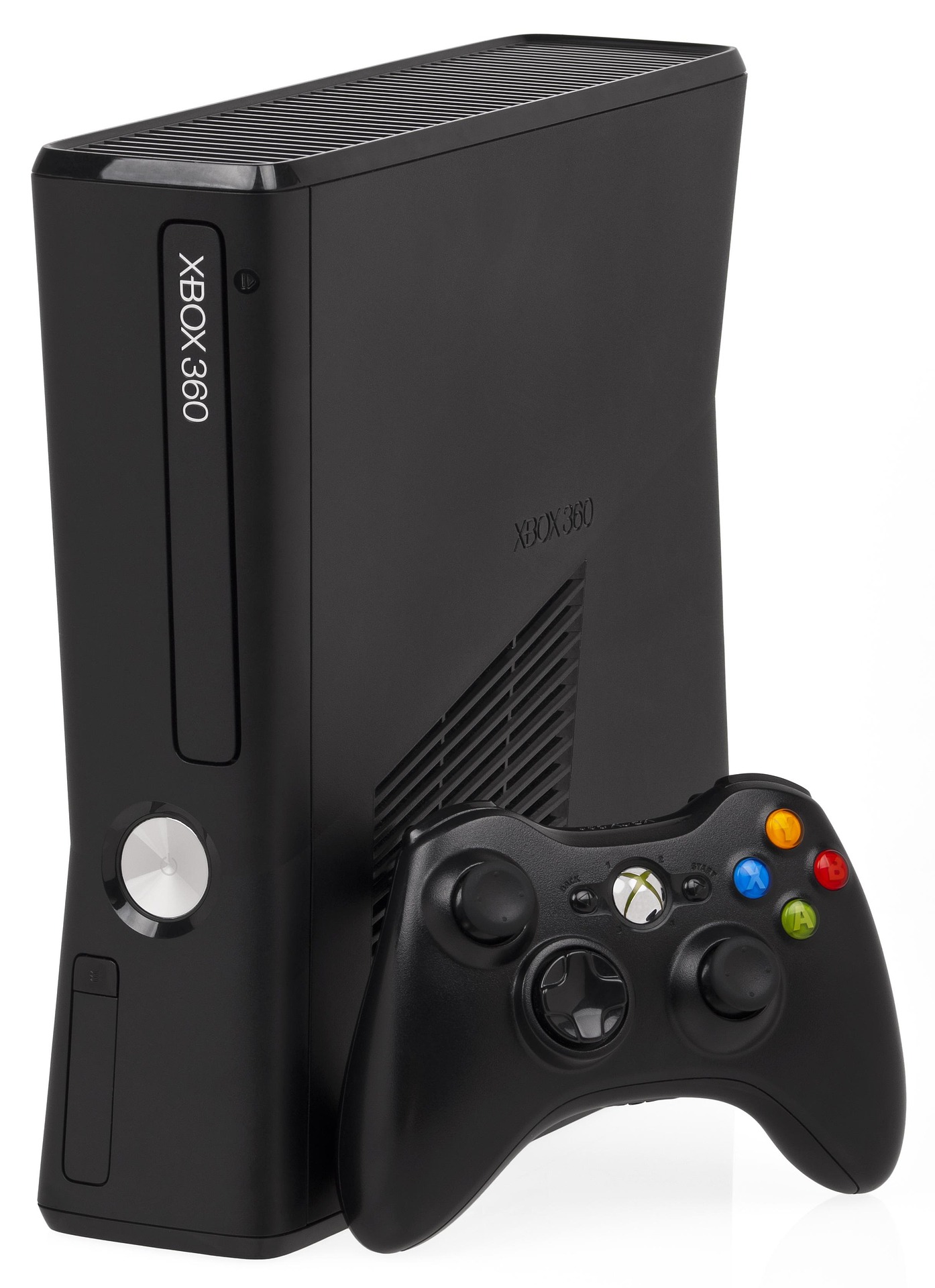
Gaming setup
← Technology categories EXPLORE / GAMING

Find your next
way to play.

Big-screen adventures, handheld favourites or another controller for player two. Explore gaming hardware below, then use our guide to build a setup around the games and experiences you enjoy.

A PLACE TO START

The CompareFeed Shortlist

Ten consoles, handhelds and controllers to explore, listed without ranking. Check the exact edition, game compatibility and included accessories before choosing.

PlayStation 5 console

01

HOME CONSOLE / PLAYSTATION

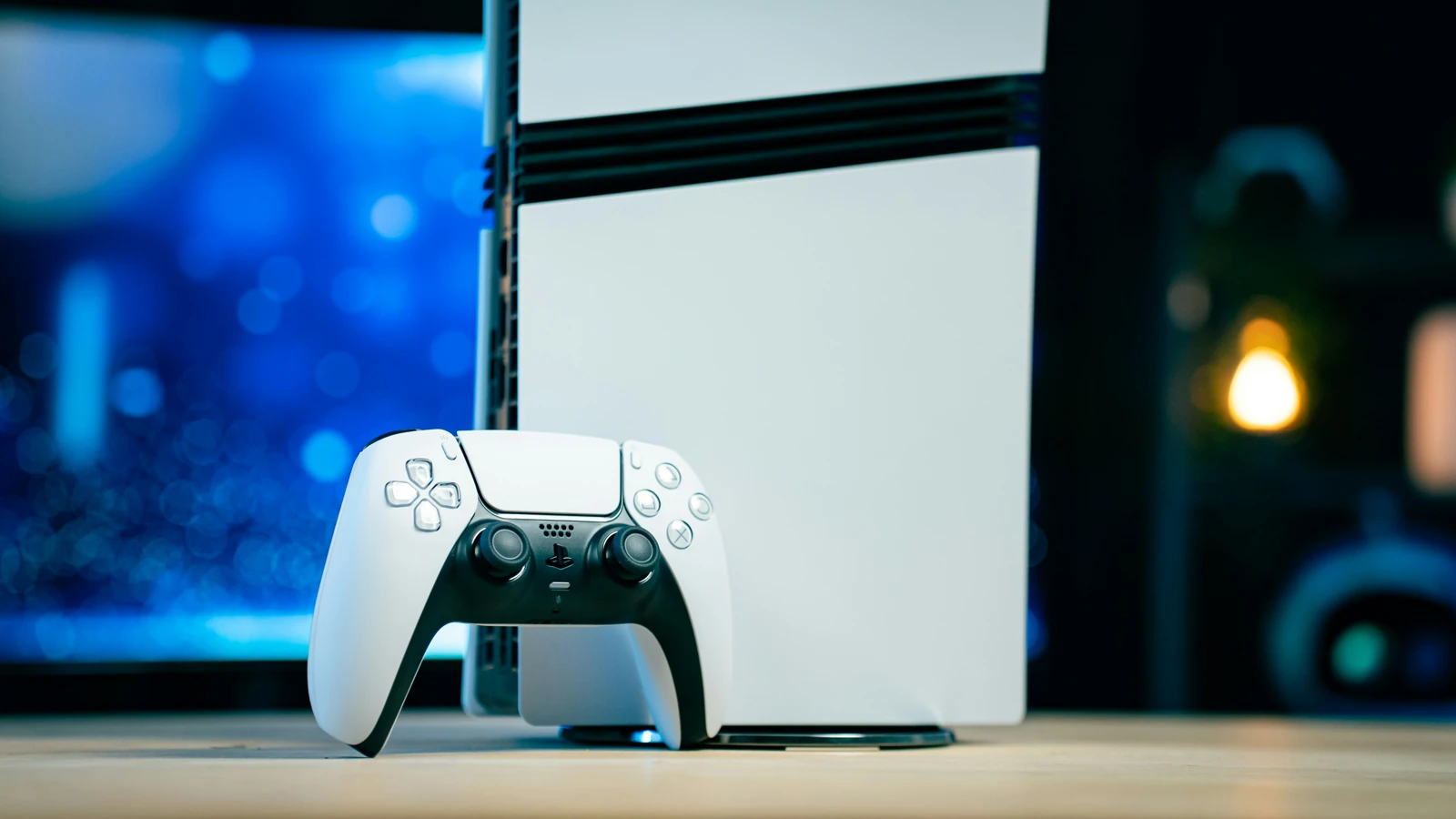
PlayStation 5

The PlayStation 5 is a starting point for exploring Sony's console games and big-screen gaming. Its high-speed SSD supports fast loading, while compatible games can take advantage of the DualSense controller's features. Check the exact console edition and storage capacity, especially if you want a disc drive for physical games.

View manufacturer details

Feature focus High-speed SSD and DualSense controller features in supported games.

PlayStation 5 Pro console

02

ENHANCED GRAPHICS / PLAYSTATION

PlayStation 5 Pro

Explore the PS5 Pro if visual detail and performance in supported games are priorities for your setup. It includes 2TB of SSD storage and enhanced graphics features for compatible titles. Consider your television and the games you play before choosing. The console is supplied without a disc drive, which is available separately if you need one.

View manufacturer details

Feature focus 2TB SSD storage and graphics enhancements in PS5 Pro-supported games.

Xbox Series X console

03

HOME CONSOLE / XBOX

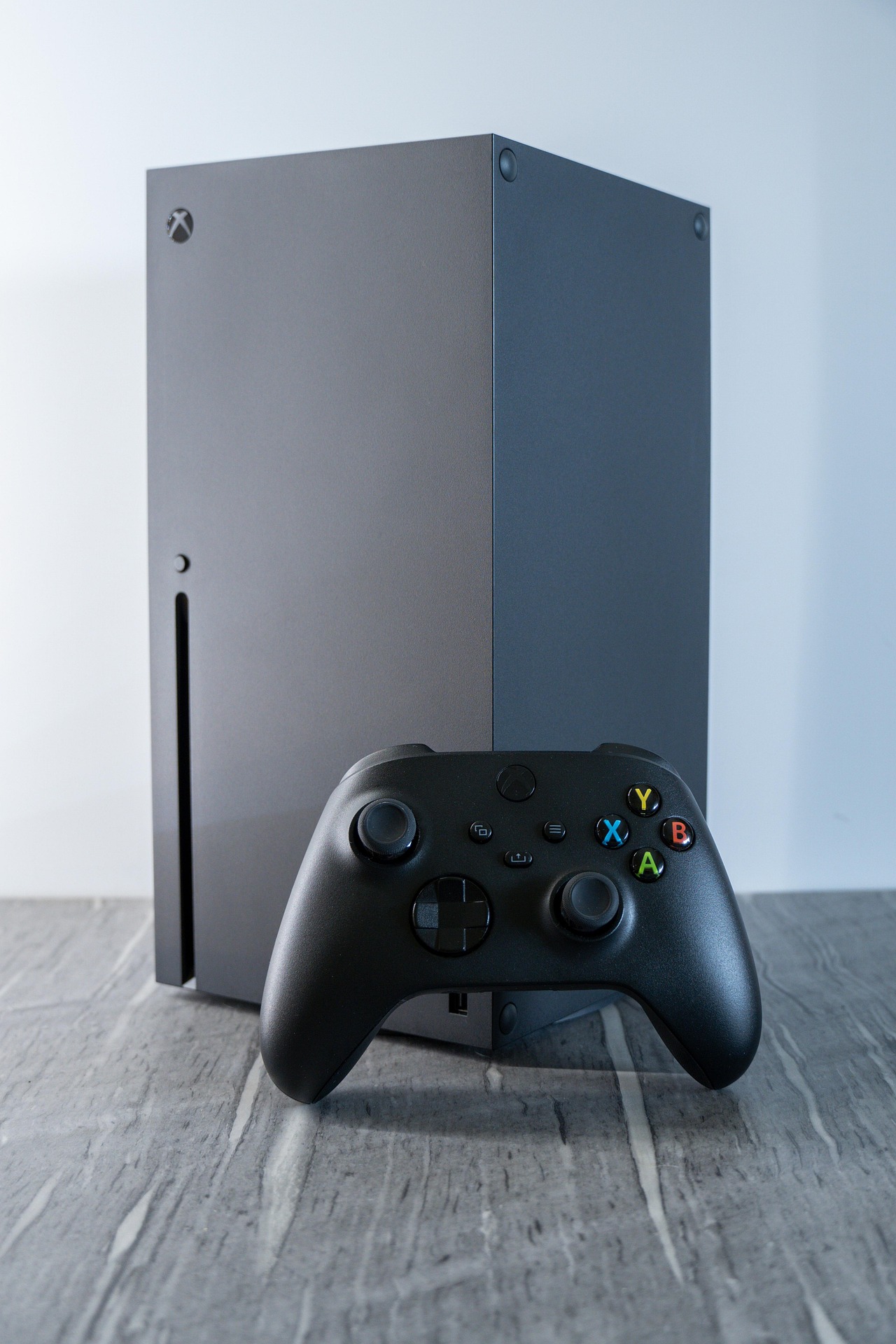
Xbox Series X

The Xbox Series X is worth exploring for a television-based gaming setup with support for 4K gaming in compatible titles. The range includes different storage capacities and both disc-equipped and all-digital editions. Check the exact version carefully, then consider the games you want, available storage and any subscription you plan to use.

View manufacturer details

Feature focus 4K gaming support in compatible titles, with disc-equipped and digital editions available.

Xbox Series S console

04

DIGITAL GAMING / XBOX

Xbox Series S

The Xbox Series S offers an all-digital route into the Xbox console range. It has no disc drive, so it suits players who download their games. Check whether the listing includes 512GB or 1TB of storage, and think about how many games you want installed together. Include any storage expansion in your overall budget.

View manufacturer details

Feature focus Disc-free gaming with a choice of 512GB or 1TB SSD storage.

Nintendo Switch 2 console

05

HANDHELD & TV / NINTENDO

Nintendo Switch 2

Nintendo Switch 2 combines handheld play with the option to connect to a television. Its 7.9-inch LCD screen and 256GB internal storage are useful details to consider when exploring Nintendo's newer system. Check compatibility with any existing Switch games and accessories, and look closely at bundle contents before deciding which package suits you.

View manufacturer details

Feature focus 7.9-inch LCD screen and 256GB internal storage for handheld and TV gaming.

Nintendo Switch OLED Model

06

ORIGINAL SWITCH RANGE / OLED

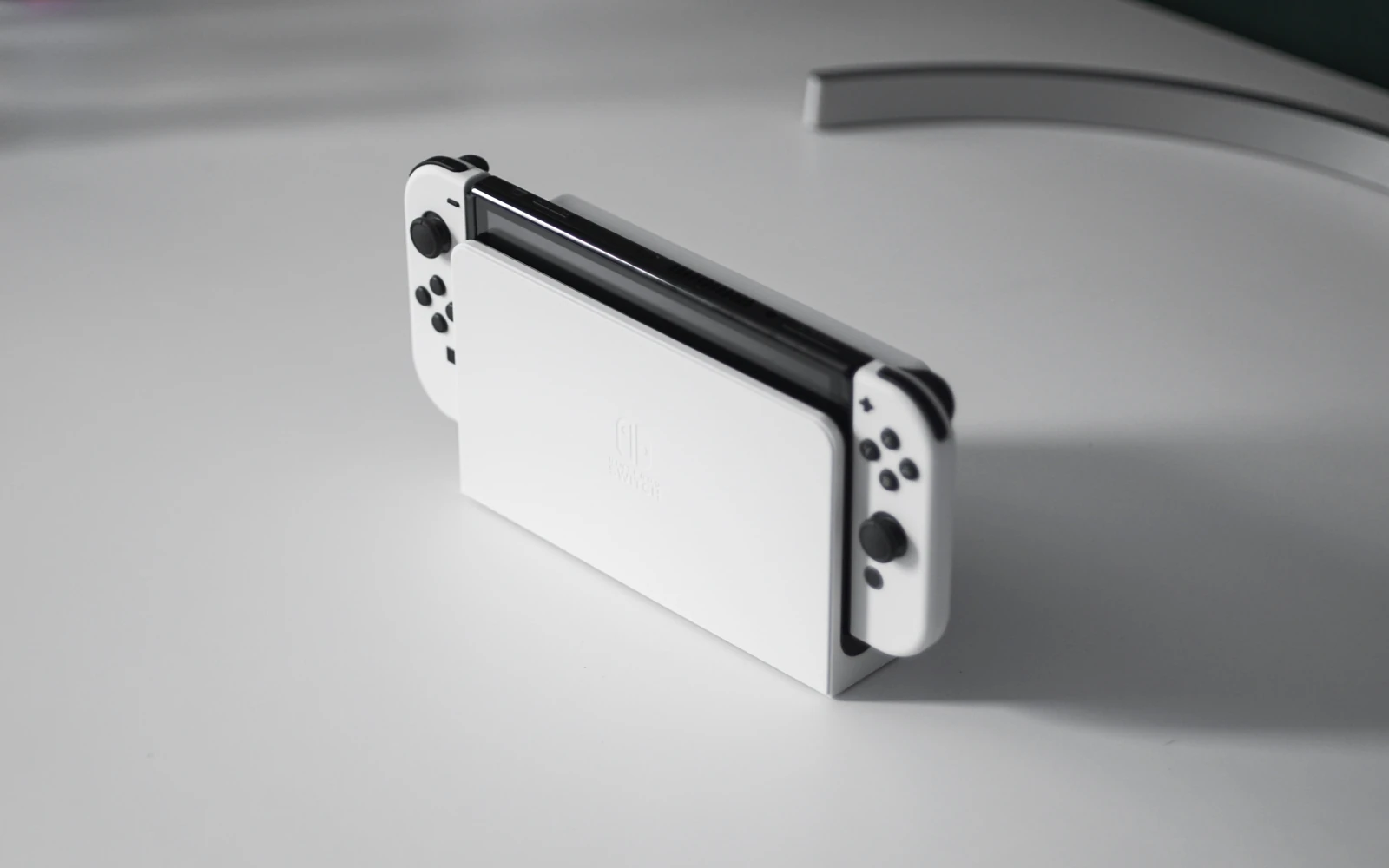
Nintendo Switch – OLED Model

The Switch OLED Model remains part of the original Nintendo Switch family. Its 7-inch OLED screen and wide adjustable stand are features to explore if you enjoy handheld or tabletop play. It is a different system from Switch 2, so check which console your chosen games require. The included dock also provides a wired LAN port.

View manufacturer details

Feature focus 7-inch OLED display, adjustable tabletop stand and dock with a wired LAN port.

Steam Deck OLED handheld

07

HANDHELD PC / STEAMOS

Steam Deck OLED

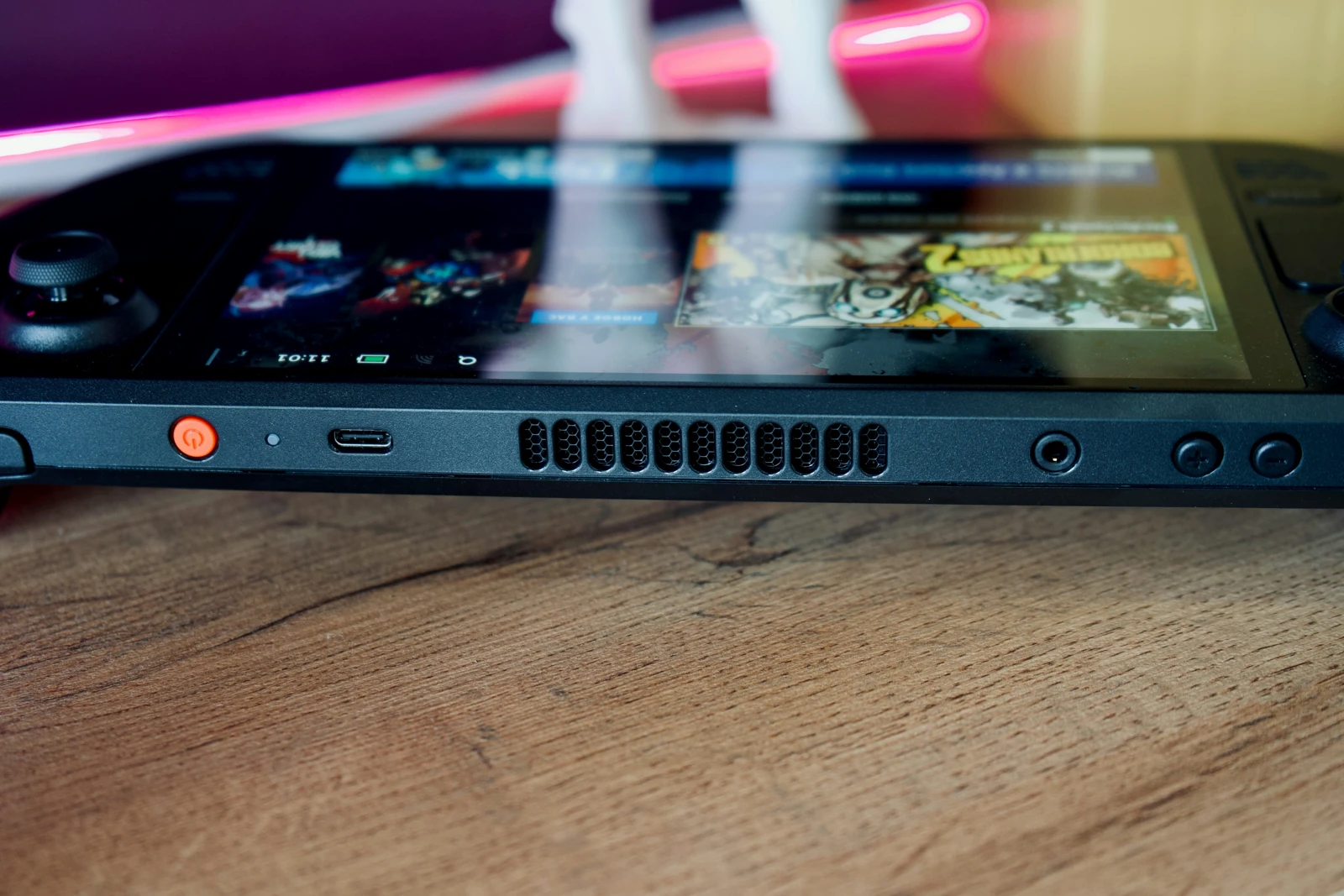
Steam Deck OLED brings compatible PC games into a handheld format with a 7.4-inch HDR OLED display. It is worth exploring if you already use Steam or want a portable PC gaming device. Check the compatibility status of the games you care about, as not every title works equally well on SteamOS or with handheld controls.

View manufacturer details

Feature focus 7.4-inch HDR OLED touchscreen with a refresh rate up to 90Hz.

ASUS ROG Xbox Ally X handheld gaming PC

08

HANDHELD PC / WINDOWS

ASUS ROG Xbox Ally X

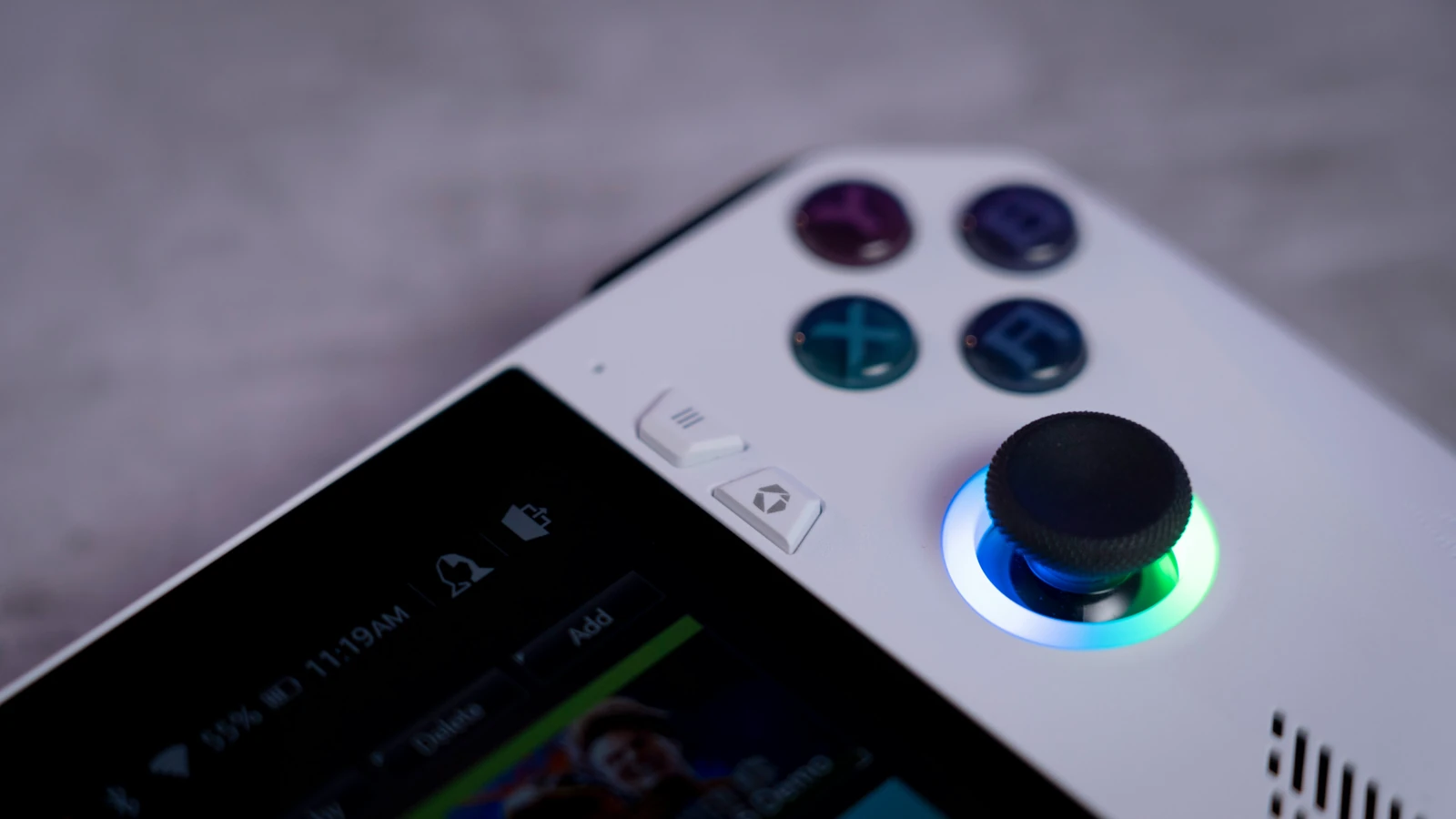
The ROG Xbox Ally X is a Windows handheld gaming PC, rather than a portable Xbox console. It combines an AMD Ryzen AI Z2 Extreme processor with a 7-inch Full HD display. Check the PC versions of your games, launcher requirements and controller support. Battery life and performance depend on the game and settings you choose.

View manufacturer details

Feature focus Ryzen AI Z2 Extreme processor and a 7-inch Full HD display with 120Hz refresh rate.

PlayStation DualSense wireless controller

09

CONTROLLER / PLAYSTATION

PlayStation DualSense Wireless Controller

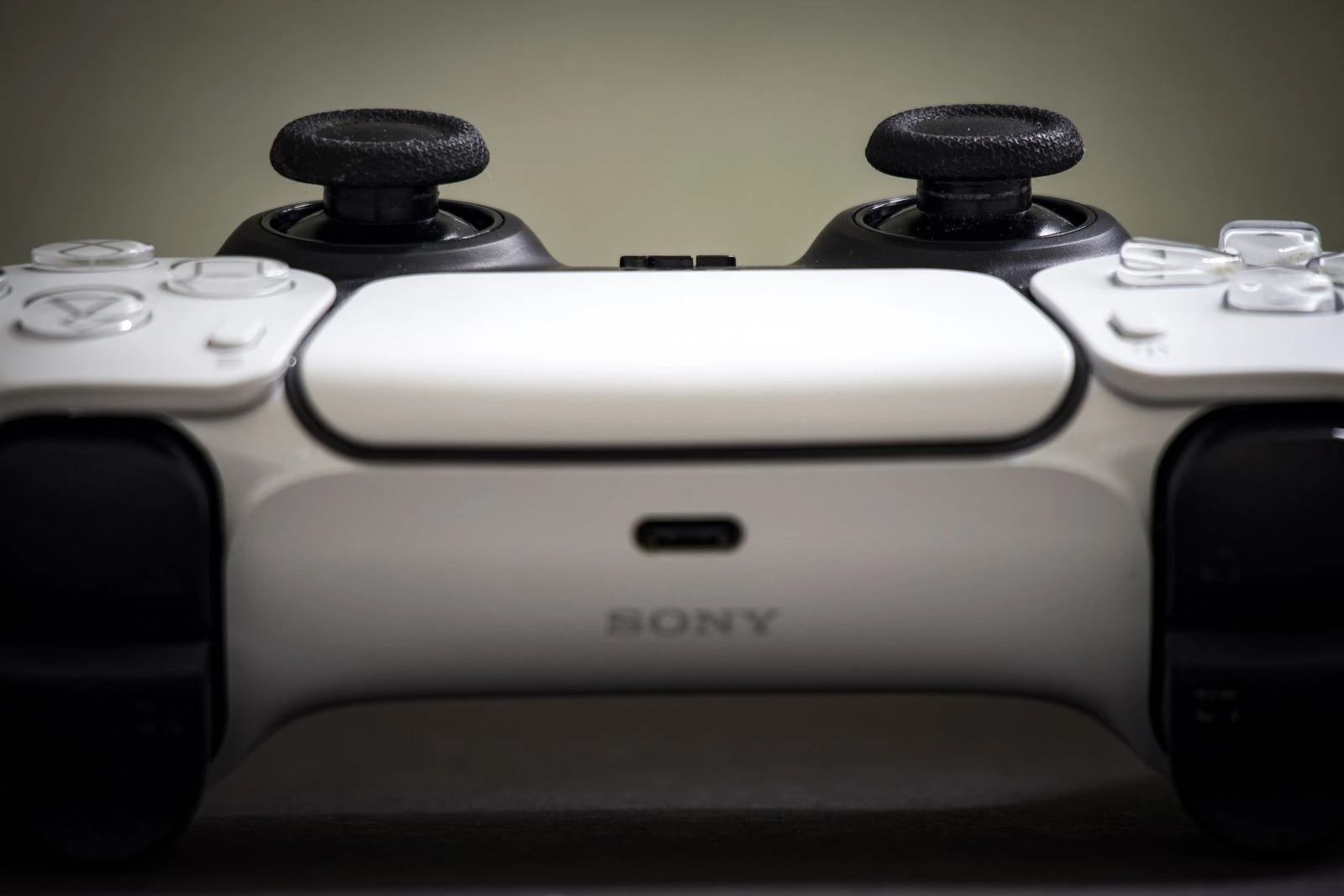
An additional DualSense controller can be useful for supported local multiplayer games or as a spare for your PS5 setup. Haptic feedback and adaptive triggers provide game-dependent effects. If you want to use it with a PC or another device, check compatibility and connection requirements, as feature support can differ between platforms and games.

View manufacturer details

Feature focus Haptic feedback and adaptive triggers in supported games.

Xbox Wireless Controller

10

CONTROLLER / XBOX & PC

Xbox Wireless Controller

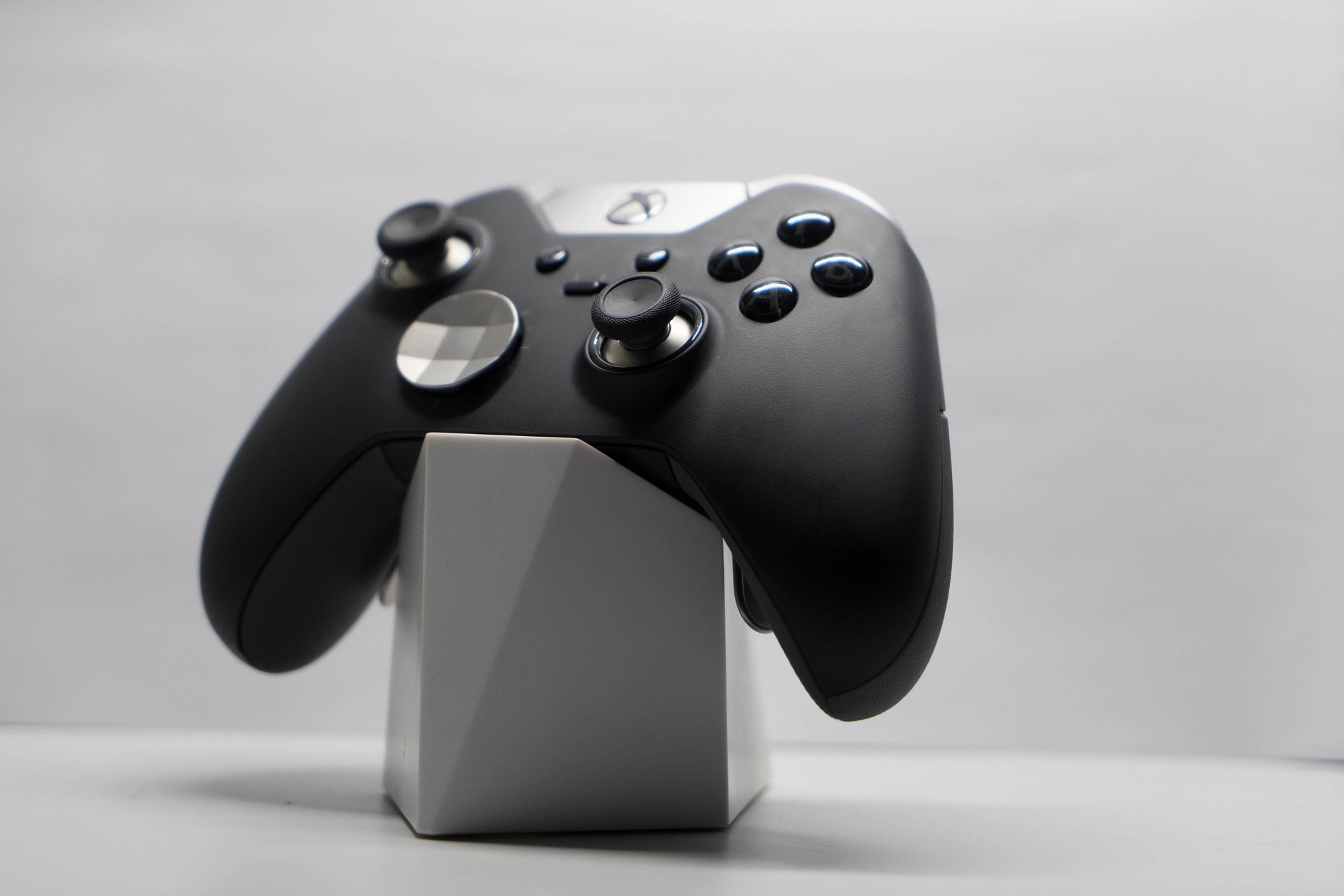
The Xbox Wireless Controller is worth exploring for Xbox gaming or compatible games on a PC, phone or tablet. It supports Xbox Wireless and Bluetooth connections, with a 3.5mm jack for a compatible headset. Check the requirements of your device and games, then consider batteries, a rechargeable battery pack and any charging accessories you need.

View manufacturer details

Feature focus Xbox Wireless and Bluetooth connectivity, plus a 3.5mm headset jack.

BEFORE YOU CHOOSE

What matters

Start with the games you want to play, where you will play them and who will join you. Then check the hardware, accessories and ongoing costs.

GAMES & PLATFORM

Start with what you play

Make a list of the games you want before choosing hardware. Check the exact platform and edition, including whether your existing games will work. For handheld PCs, check compatibility and performance guidance for the titles you use most.

SCREEN & PLAY STYLE

Choose where you will play

Decide whether you mainly want television, handheld or desk-based gaming. Check your display's resolution, refresh rate and connections alongside the device. For portable gaming, consider screen size, weight, battery use and charging.

STORAGE & GAME FORMAT

Leave room for your library

Game downloads and updates can use substantial storage. Check available capacity and compatible expansion options. If you own physical games, confirm that the console has the right disc or game card support before purchasing.

EXTRAS & ONGOING COSTS

Budget for the whole setup

Include games, additional controllers, compatible audio equipment and storage in your budget. Check whether the features you want need a paid subscription. For shared or family use, review local multiplayer support and parental controls.

KEEP EXPLORING

Looking at other technology?

Return to the Technology hub for laptops, tablets, headphones, mobile phones and smartwatches.

Explore technology