HOW YOU USE IT
Your everyday tasks
Browsing and documents place different demands on a laptop from design software, video editing or games. Make a list of the programs you need to run before comparing models.
From study and everyday browsing to work and creative projects, the right laptop depends on what you need it to do. Explore models below, then use our guide to focus on the features that matter.
Ten laptop ranges to explore across different needs and styles. This is a browsing list, not a ranking. Specifications vary between configurations.
01
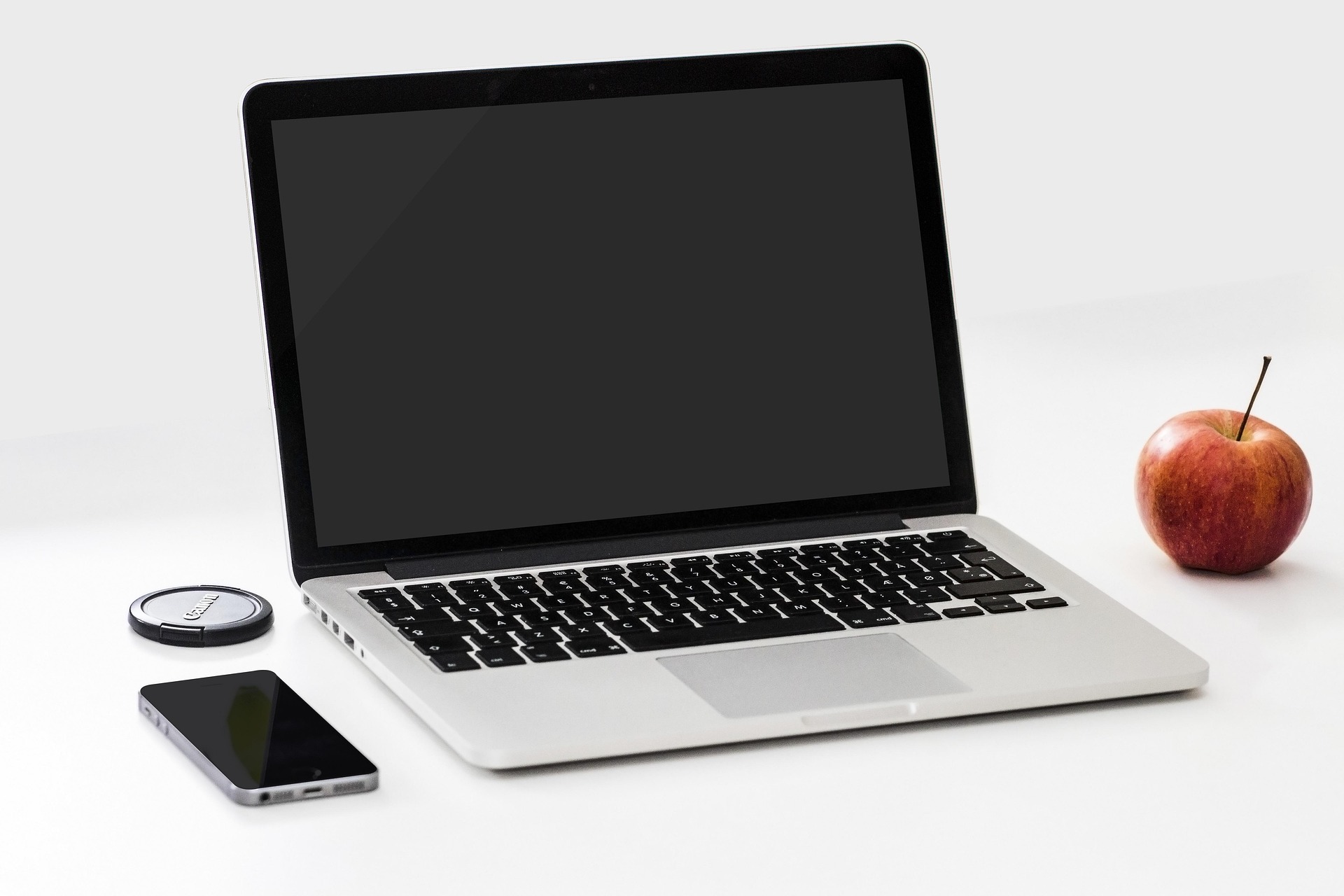
The 13-inch MacBook Air is a starting point if you want a portable laptop for writing, browsing, video calls and creative work within the Apple ecosystem. Its compact size makes it easier to carry between home, work and study. Before choosing a configuration, consider how much memory and storage your apps and files will need, and check that any specialist software you use runs on macOS.
View manufacturer detailsFeature focus 13.6-inch Liquid Retina display, M5 chip and MagSafe charging.
02
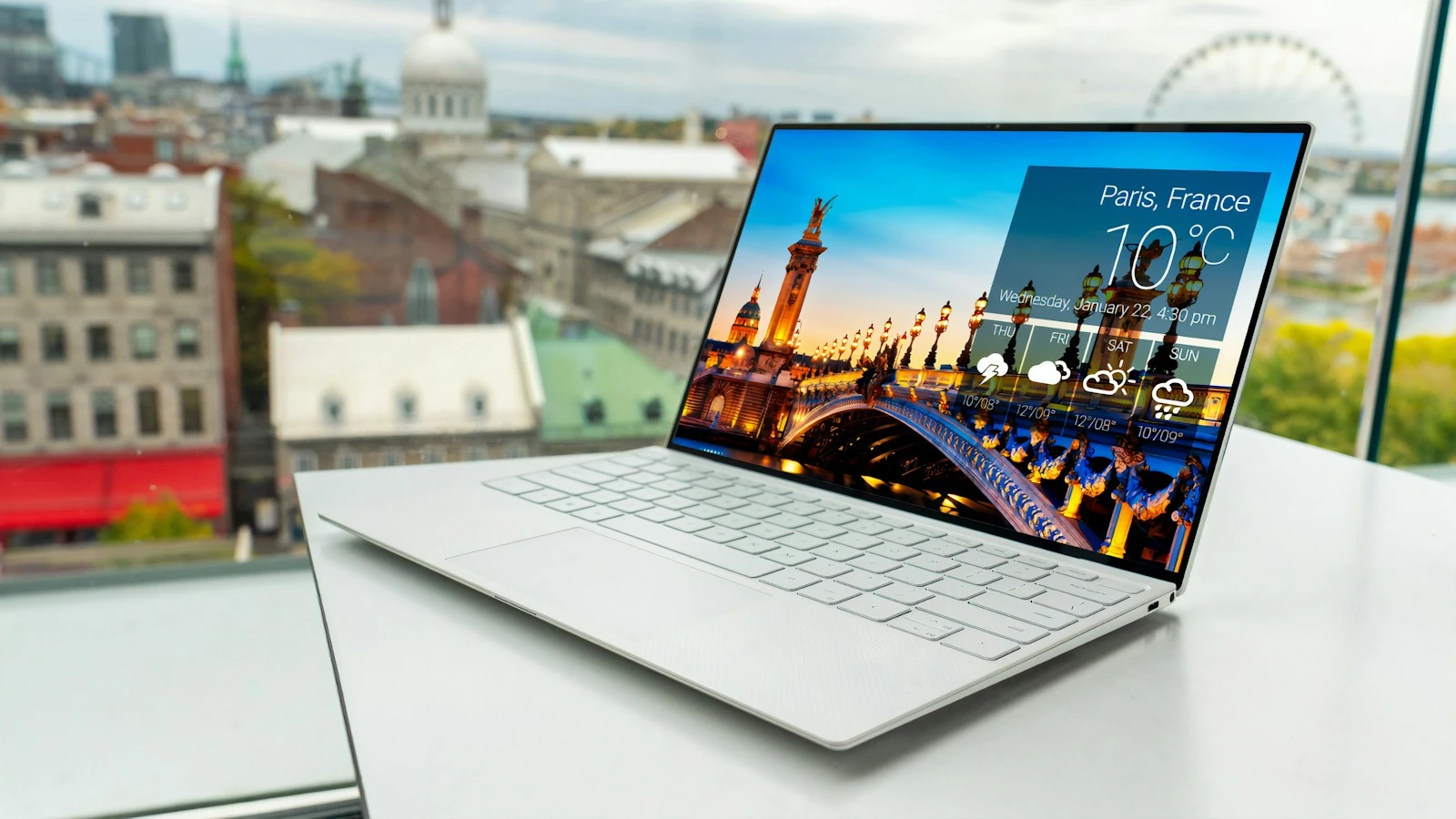
The XPS 13 is worth exploring if you want Windows in a small laptop that can travel with you throughout the day. It may appeal to people who split their time between a desk, meetings and working away from home. Compare the display and processor choices on the exact model, then check its ports against the monitor, charger and accessories you plan to use.
View manufacturer detailsFeature focus 13.4-inch display options and a starting weight of around 1 kg.
03
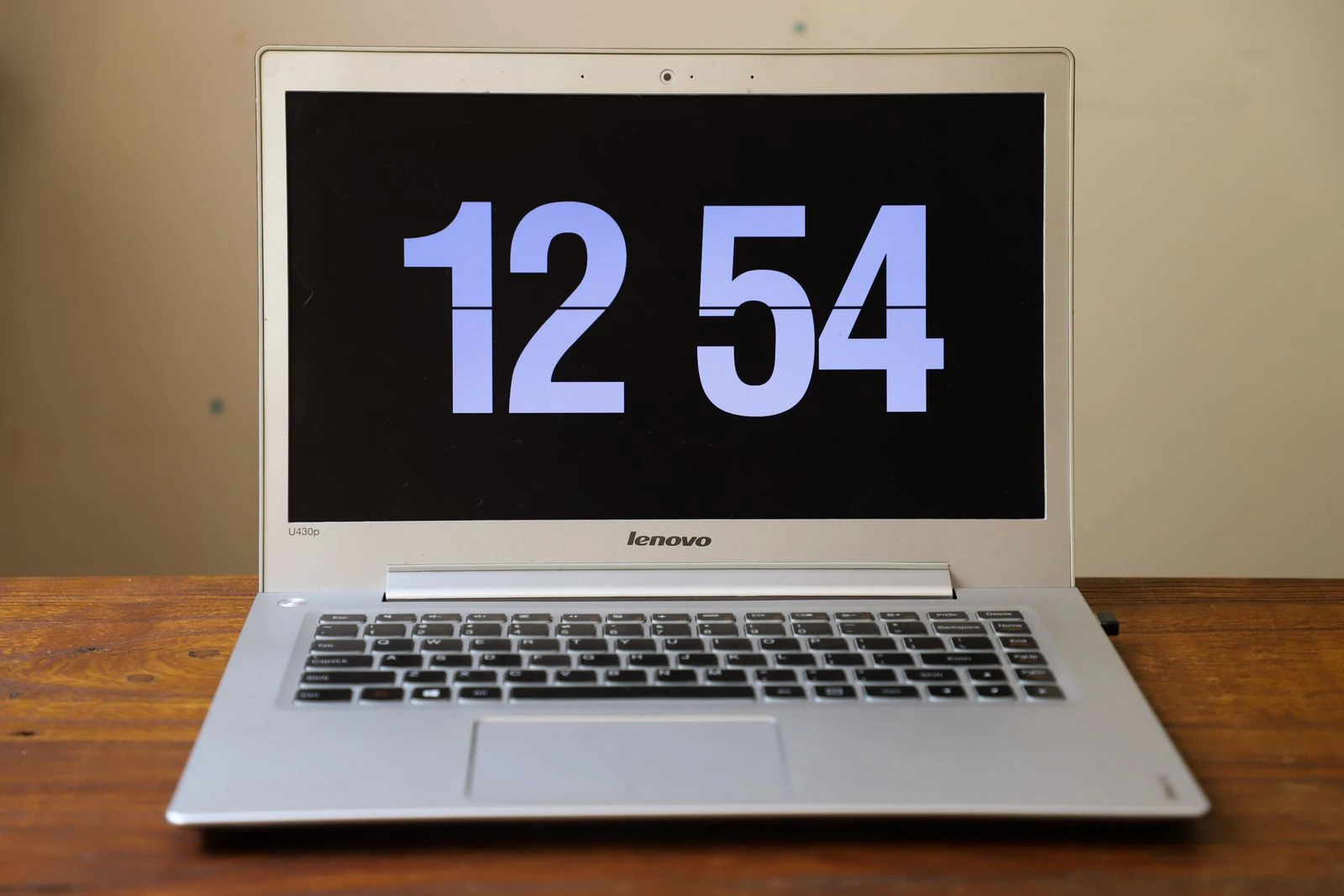
This 14-inch IdeaPad is a practical range to investigate for coursework, office documents, browsing and entertainment. The screen size offers room to work while remaining easier to carry than a larger laptop. Look closely at the memory, storage and display fitted to the particular version you find, as those choices can make a noticeable difference to everyday use.
View manufacturer detailsFeature focus 14-inch form factor; check the memory, storage and display on the exact model.

04
The OmniBook 5 is a compact Windows range to consider if you want a laptop for daily tasks and care about the type of screen you use. Certain 14-inch versions offer an OLED display, which may be especially appealing for watching films and viewing photos. Check the precise model before buying: its display, processor, memory and storage can differ from another OmniBook 5 with a very similar name.
View manufacturer detailsFeature focus Some 14-inch configurations offer OLED touch displays; check the exact SKU.
05
The Vivobook 15 gives you more screen space for documents, spreadsheets, streaming and keeping several windows in view. It is a useful option to explore if the laptop will spend most of its time at home or on a desk, with occasional trips out. Compare its weight and screen specification with smaller models if you will carry it regularly, and check the memory and storage on the exact X1504 configuration.
View manufacturer detailsFeature focus 15.6-inch display and a hinge designed to open flat to 180 degrees.
06
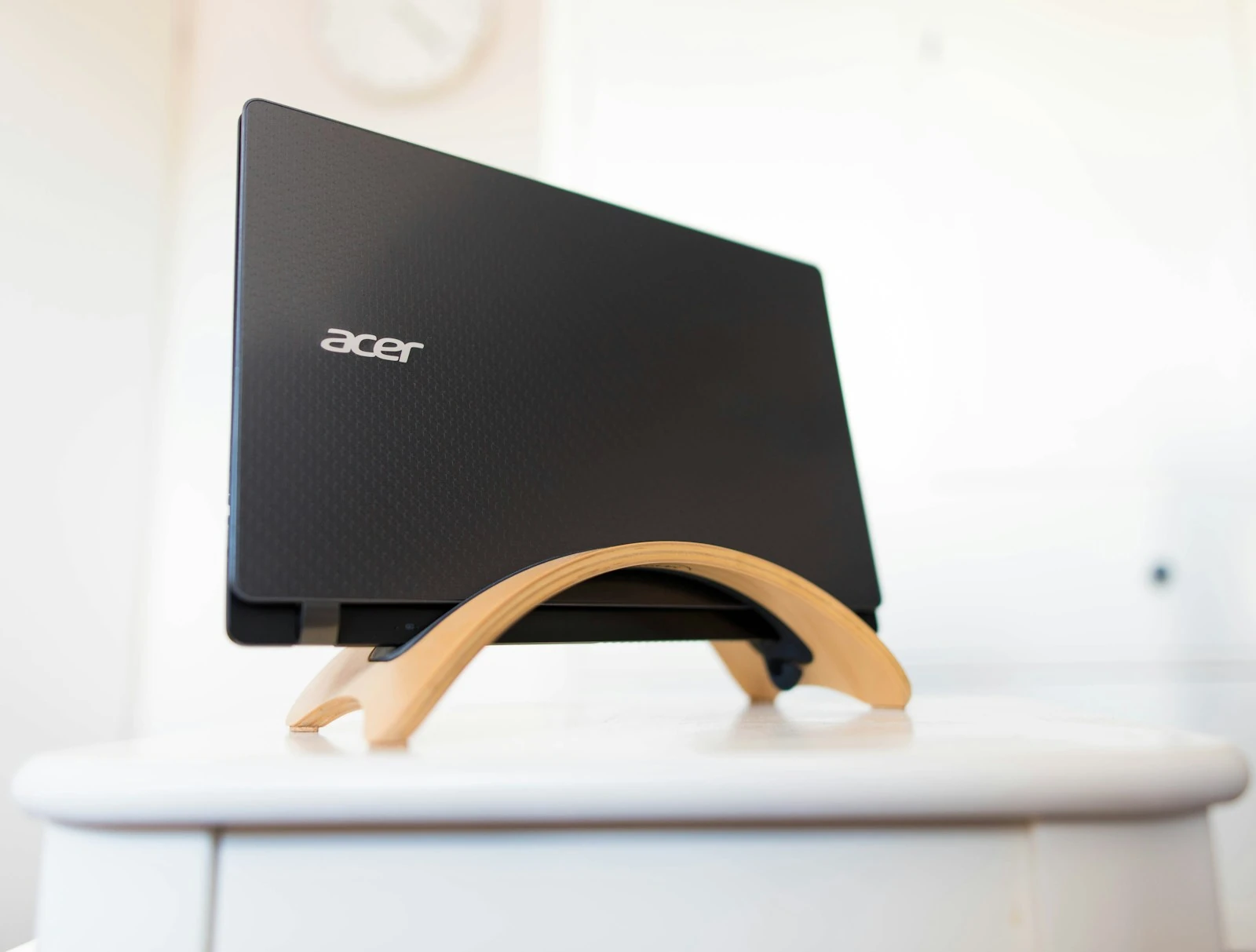
Acer's Aspire 5 AMD range is aimed at the everyday mix of web browsing, documents, video calls and running several apps at once. It is a sensible range to compare when you want familiar Windows software without making portability or gaming the main priority. Check the Ryzen processor, amount of memory and SSD capacity on the specific listing so the laptop matches the tasks you expect it to handle.
View manufacturer detailsFeature focus AMD Ryzen 7000 Series options, SSD storage and a 1080p webcam.
07
The 13.8-inch Surface Laptop is an option for people who want Windows, a touchscreen and a size suited to work on the move. The touch display gives you another way to navigate documents, websites and everyday apps alongside the keyboard and trackpad. When comparing 8th Edition models, check the processor, memory, storage and connections, particularly if you rely on older software or external accessories.
View manufacturer detailsFeature focus 13.8-inch touchscreen; compare the processor and storage options.

08
The Yoga 7i combines a conventional laptop with a screen that can fold back for tablet-style use. That flexibility may be useful if you move between typing, presenting, watching video and working directly on the touchscreen. If drawing or handwritten notes are part of your plans, check which pen is compatible with your chosen model and whether it is included.
View manufacturer detailsFeature focus 2-in-1 design with multiple viewing positions; check pen compatibility.
09
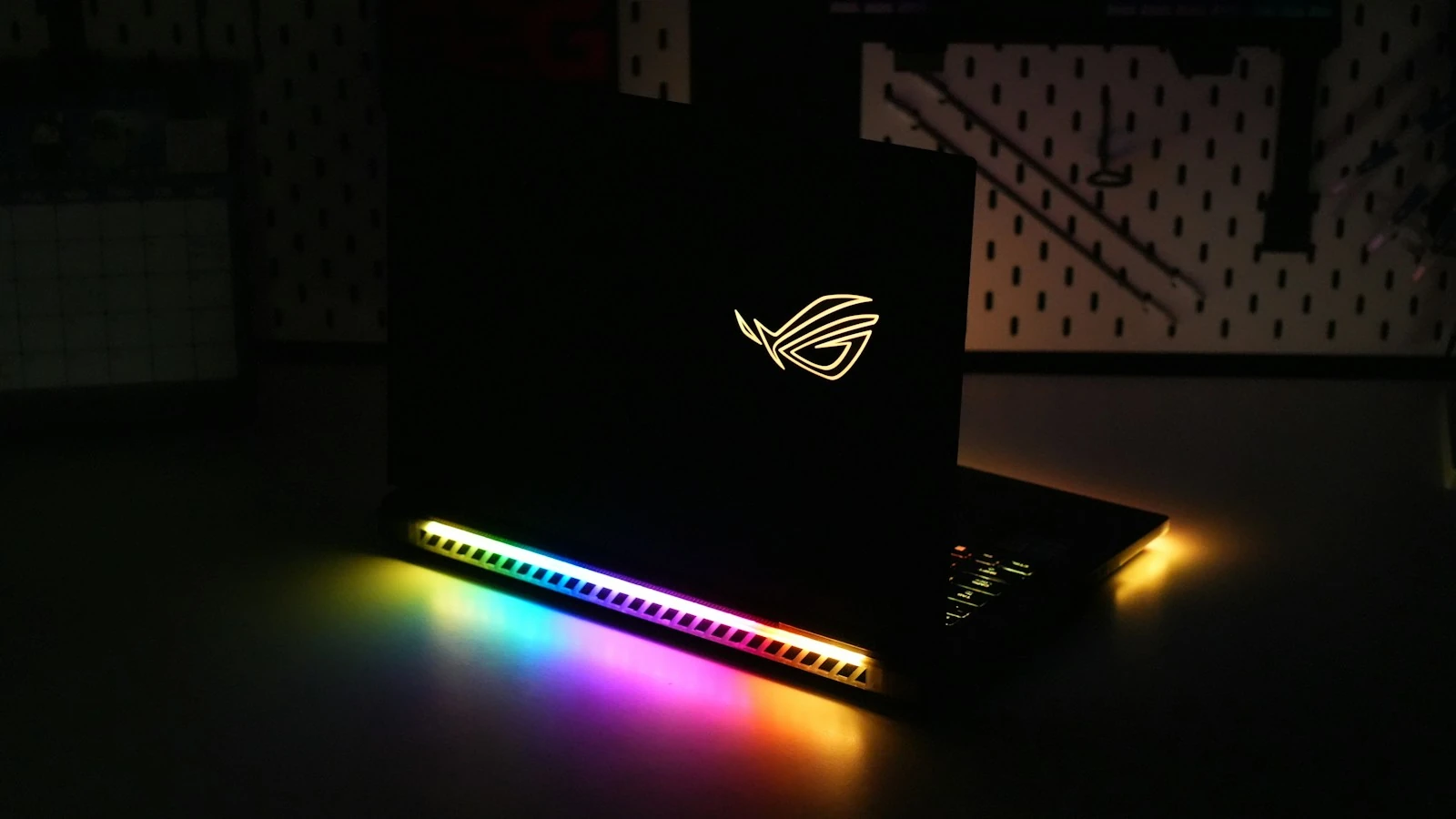
The Zephyrus G14 is one to explore if gaming, video editing or graphics-heavy creative software matters to you, but you still want a 14-inch laptop. Its dedicated graphics set it apart from the everyday models in this list. Check the exact graphics card, memory and storage before choosing, and consider whether a gaming laptop's cost and power needs make sense for the work you actually do.
View manufacturer detailsFeature focus Dedicated NVIDIA graphics options in a 14-inch gaming laptop.

10
This Chromebook is worth considering if most of your day happens in a browser, with email, online documents and streaming among your regular tasks. ChromeOS offers a different way of working from the Windows and Mac laptops above. Before choosing it, make a list of the apps and devices you rely on and confirm they work with ChromeOS.
View manufacturer detailsFeature focus ChromeOS, a 14-inch WUXGA display and an Intel Core 3 option.
Start with how you will use it. Then check the details of the exact model and configuration you are considering.
Browsing and documents place different demands on a laptop from design software, video editing or games. Make a list of the programs you need to run before comparing models.
A larger screen can make long sessions more comfortable, while a smaller laptop may be easier to carry. Think about whether yours will live on a desk or travel with you most days.
The same laptop name can cover several configurations. Check the memory and storage on the exact listing, particularly if you keep large files or regularly work across several apps.
Look at the ports, charging, webcam and keyboard. If you will need an adapter, monitor, mouse or other accessories, include those in the overall cost.
Return to the Technology hub for tablets, phones, audio and more.