HOW YOU USE IT
Apps and operating system
An iPad, Android tablet and Windows tablet offer different apps and ways of working. Check that the software and services you depend on are available before choosing.
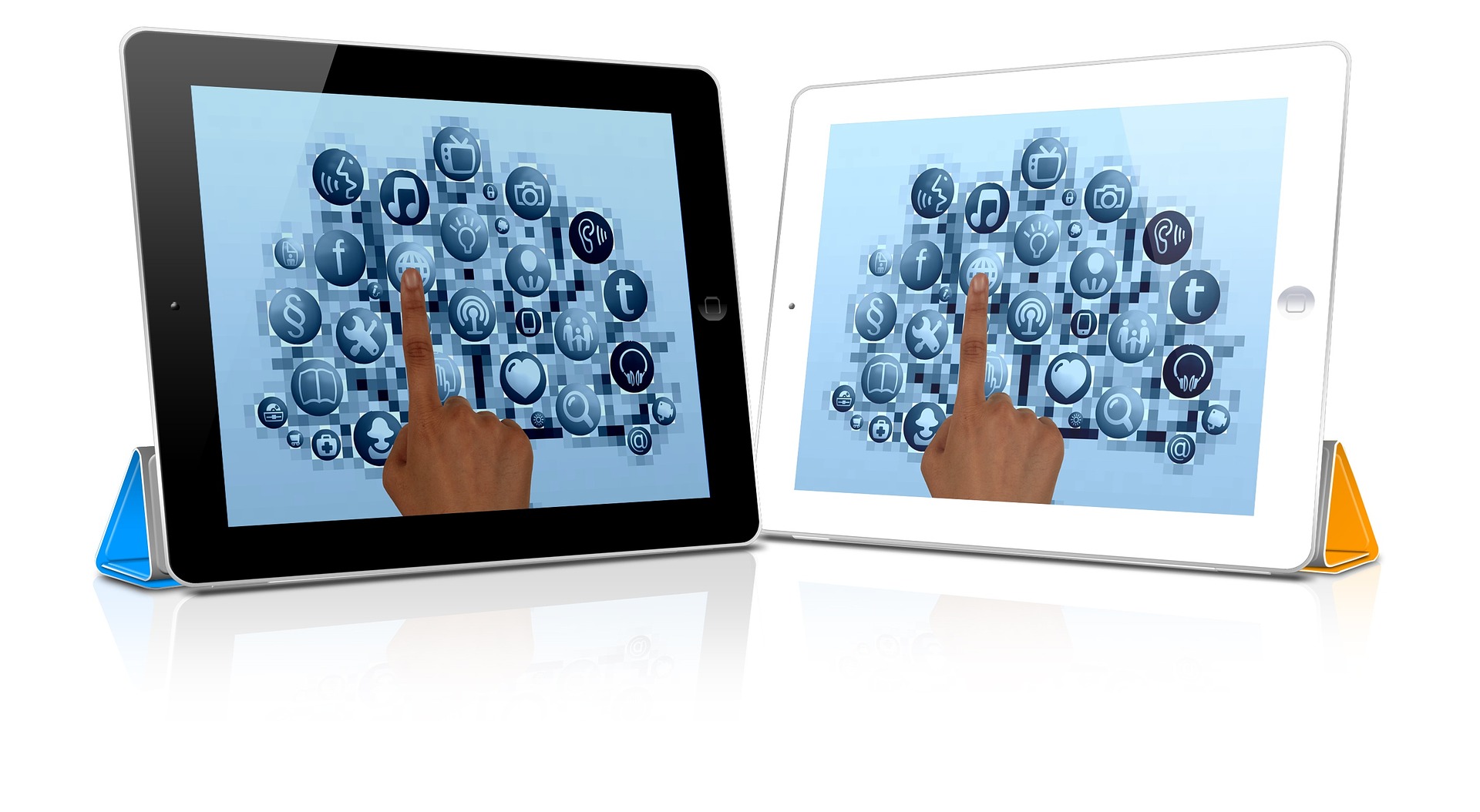
From reading and streaming to drawing, study and work, tablets can serve very different purposes. Explore the models below, then use our guide to narrow down the features you need.
Ten tablet ranges across different sizes, systems and uses. This is a browsing list, not a ranking. Check the exact model and configuration before choosing.
01
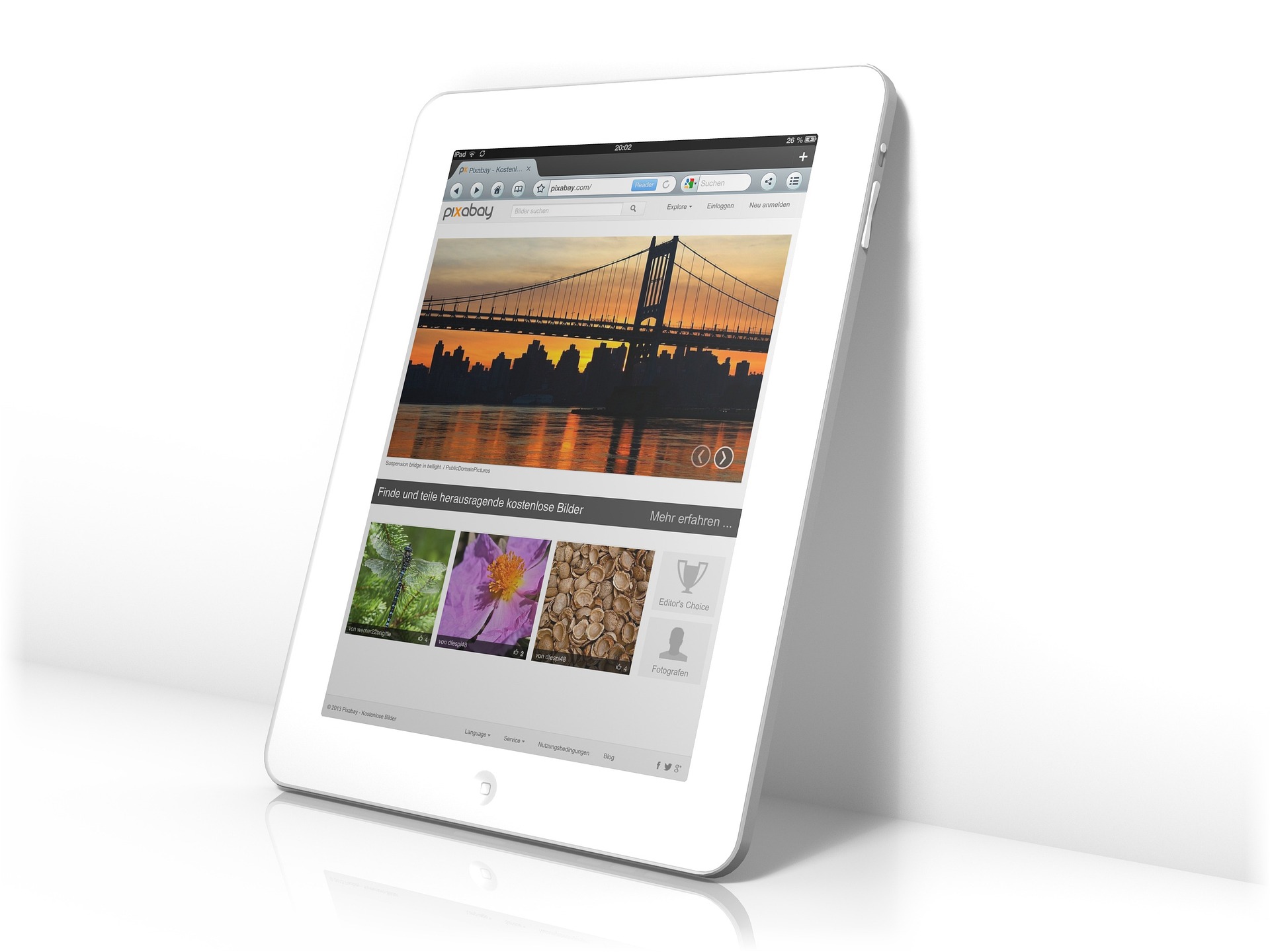
The standard iPad is a starting point for browsing, video calls, reading, streaming and everyday apps. It may suit someone who wants access to the iPad app range without stepping up to an Air or Pro. Check the storage size carefully, along with the keyboard and Pencil accessories compatible with this specific model.
View manufacturer detailsFeature focus 11-inch display, A16 chip and 128GB starting storage.
02
The iPad Air is worth exploring if you want a tablet for a wider mix of study, drawing, editing and entertainment. The M4 model comes in two screen sizes, so decide how much workspace you want against how easy the tablet will be to carry. Add the cost of a Pencil or keyboard if either is central to how you plan to use it.
View manufacturer detailsFeature focus M4 chip, 11-inch and 13-inch sizes, and Apple Pencil Pro support.
03
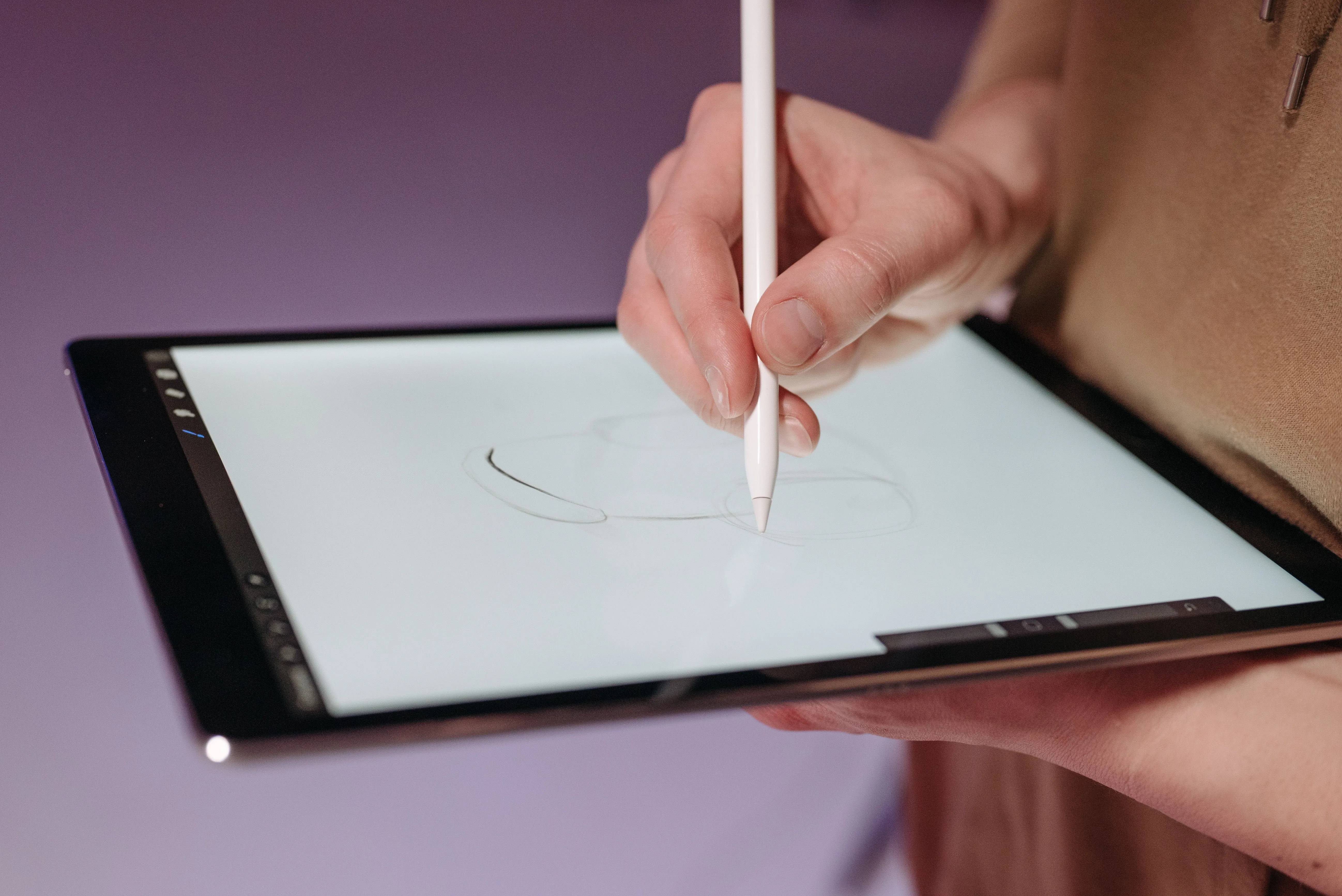
The iPad Pro is the model to investigate when display quality and demanding creative apps are priorities. It offers more capability than many people need for browsing and streaming, so consider which tasks would benefit from the Pro before paying for it. Compare the screen sizes, storage choices and accessory costs.
View manufacturer detailsFeature focus M5 chip and an Ultra Retina XDR display.
04
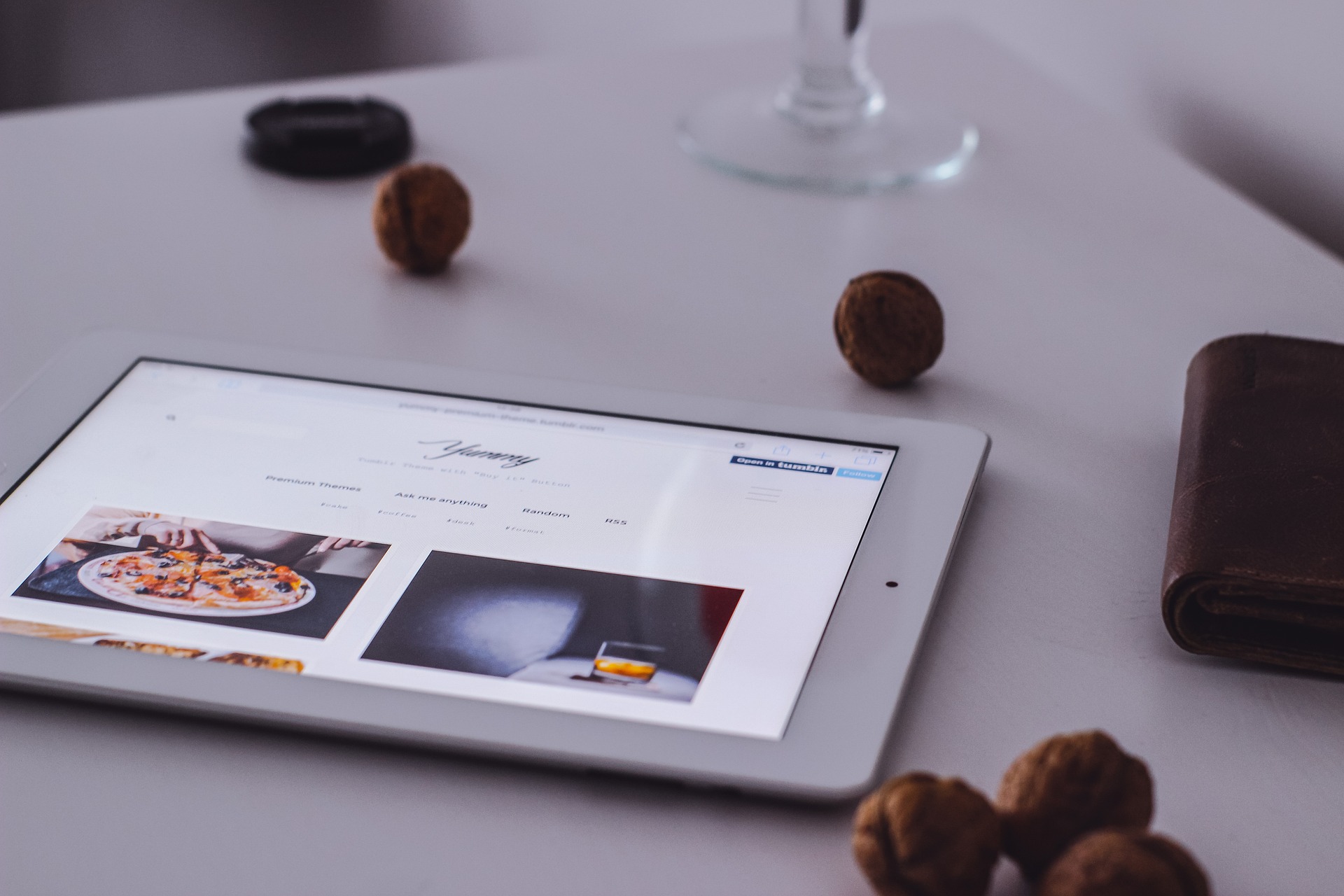
The iPad mini takes a different approach from the larger tablets here. Its smaller screen may be appealing for reading, travel, quick notes and using apps while away from a desk. Consider whether the compact size is an advantage for your routine or whether you need more room for drawing, documents and multitasking.
View manufacturer detailsFeature focus 8.3-inch Liquid Retina display, A17 Pro chip and Pencil Pro support.
05
The Galaxy Tab S11 is an Android tablet to explore if you want a compact premium screen for entertainment, notes and working across apps. It is particularly worth comparing if you already use a Samsung phone and want to see how the devices work together. Check whether your chosen Wi-Fi or 5G version has the storage and connectivity you need.
View manufacturer detailsFeature focus 11-inch display, S Pen support and Samsung DeX features.
06
The Tab S10 FE is a useful Android option to compare for notes, browsing, video and everyday productivity. It sits in a different part of Samsung’s range from the Tab S11, so look at the features you will actually use rather than choosing on the name alone. Check screen size carefully: the FE and FE+ are different tablets.
View manufacturer detailsFeature focus 10.9-inch display; compare FE and larger FE+ versions.
07
The Tab A11+ is worth looking at for browsing, streaming, video calls and shared everyday use. If advanced drawing or demanding work apps are not priorities, compare it with Samsung’s S-series before deciding how much to spend. Check the storage size and whether Wi-Fi alone will meet your needs away from home.
View manufacturer detailsFeature focus 11-inch screen with Wi-Fi and 5G versions available.
08
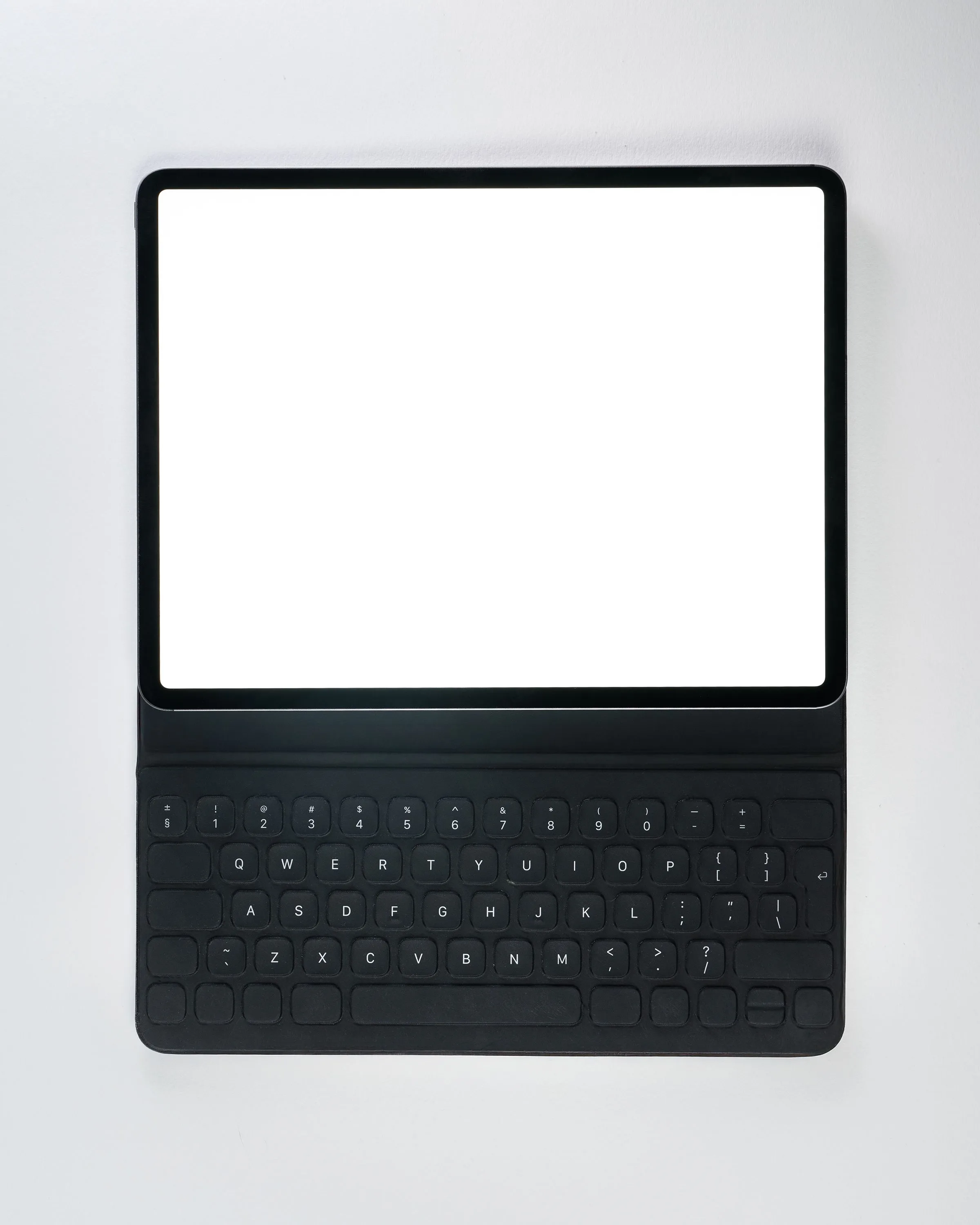
The Idea Tab Plus offers a larger canvas for study materials, entertainment and working with notes. Its 12.1-inch size may suit someone who mainly uses a tablet at home, at college or at a desk. Look at the exact package when comparing listings, as a compatible pen may be included with some versions.
View manufacturer detailsFeature focus 12.1-inch 2.5K display; check the pen included with the exact bundle.
09
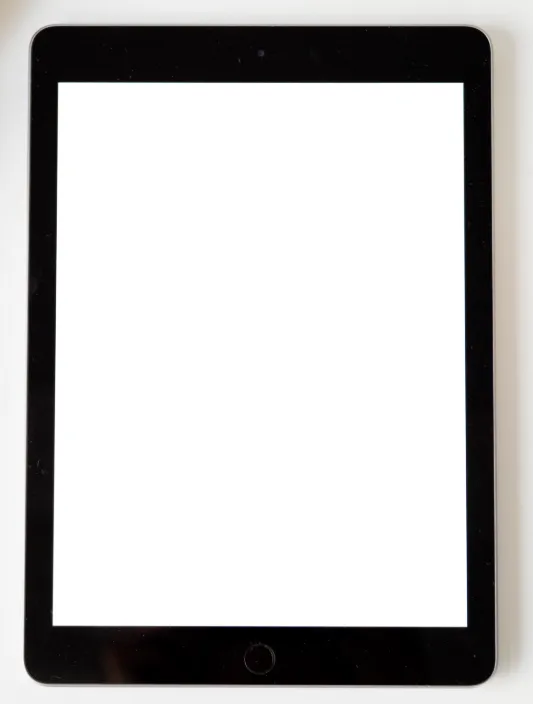
The Xiaomi Pad 7 is an Android option to investigate if screen sharpness matters for reading, video and detailed content. Its size offers more room than a compact tablet without moving into the largest models here. If you intend to type or draw regularly, check compatible accessories and whether they are sold separately.
View manufacturer detailsFeature focus 11.2-inch 3.2K display with up to 144Hz refresh rate.
10
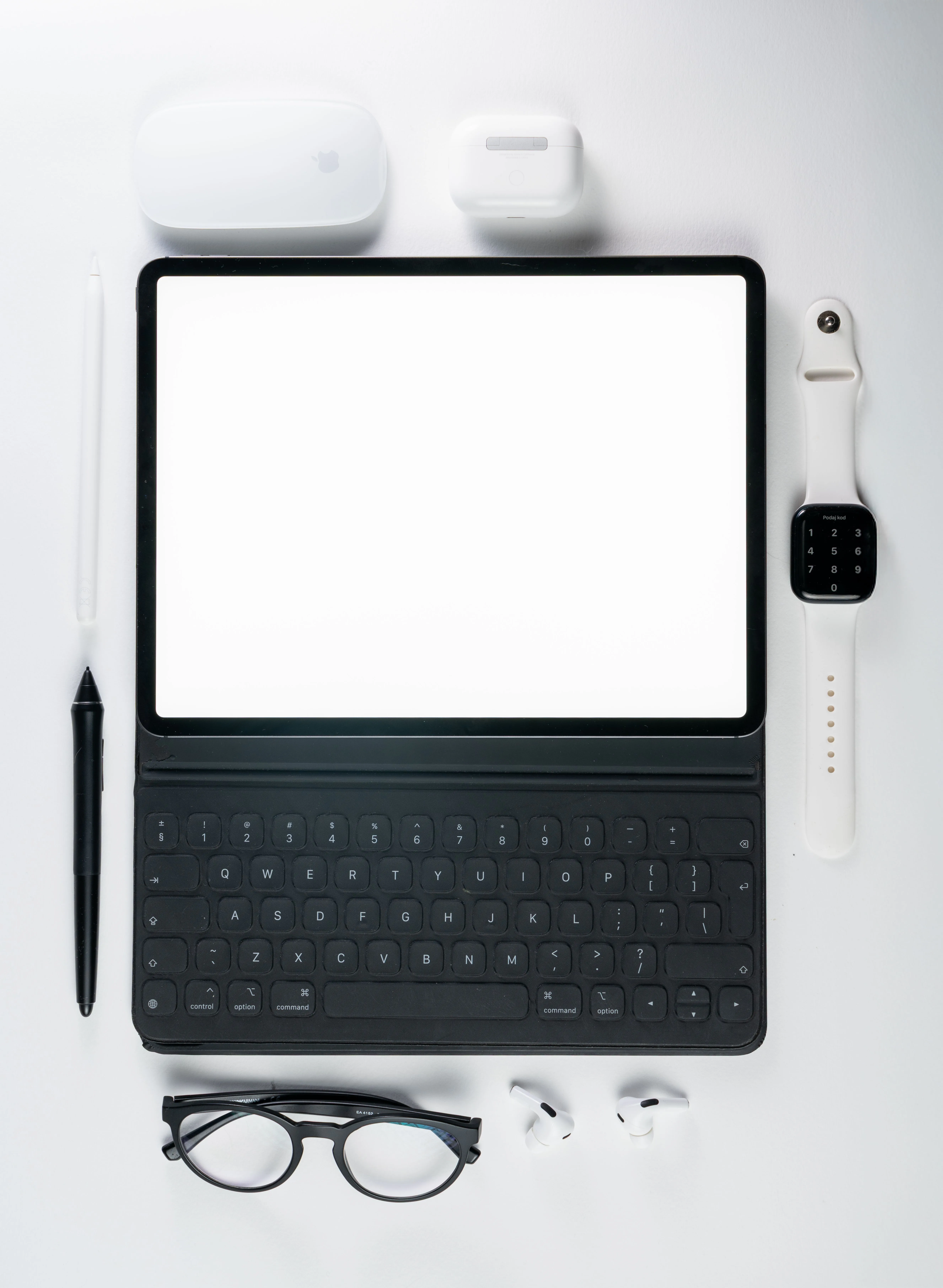
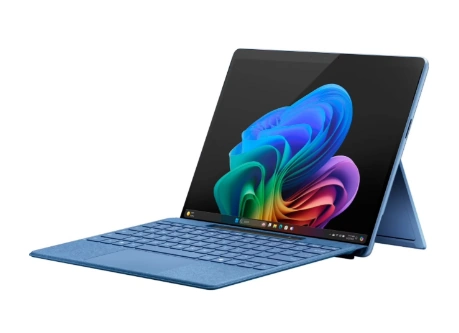
Surface Pro is the one to investigate if you want a tablet form with Windows rather than iPadOS or Android. It can make sense when your work depends on Windows applications and you want to add a keyboard for laptop-style use. Check the exact processor and software compatibility, and include the keyboard and pen in your total cost if needed.
View manufacturer detailsFeature focus 12-inch touchscreen and optional keyboard for a Windows 2-in-1 setup.
Think about the apps you need and where you will use the tablet. Then compare the exact model, accessories and connectivity.
An iPad, Android tablet and Windows tablet offer different apps and ways of working. Check that the software and services you depend on are available before choosing.
A smaller tablet can be easier to hold for reading and travel. A larger display gives you more room for notes, drawing and split-screen work. Consider its weight too.
If you plan to draw, take handwritten notes or type regularly, check which pen and keyboard fit the exact tablet. Some are included; others add to the total cost.
Compare storage against the apps, downloads and files you expect to keep. Decide whether Wi-Fi is enough or whether you need a cellular model for use away from a network.
Return to the Technology hub for laptops, phones, audio and more.